Set the page the way you read
Choose the font, size, line width and spacing, down to whether paragraphs indent. Typewriter scrolling keeps your line in the middle of the screen, and Focus mode folds away the rail and the toolbar until only the prose is left. Every change saves itself, and the status bar says so if a save ever fails.
Write the rest of the book too
Add a title page, dedication, epigraph, prologue, acknowledgments and the rest as pages of their own. Footnotes, spellcheck and find and replace are there when you need them.
Keep the details beside you
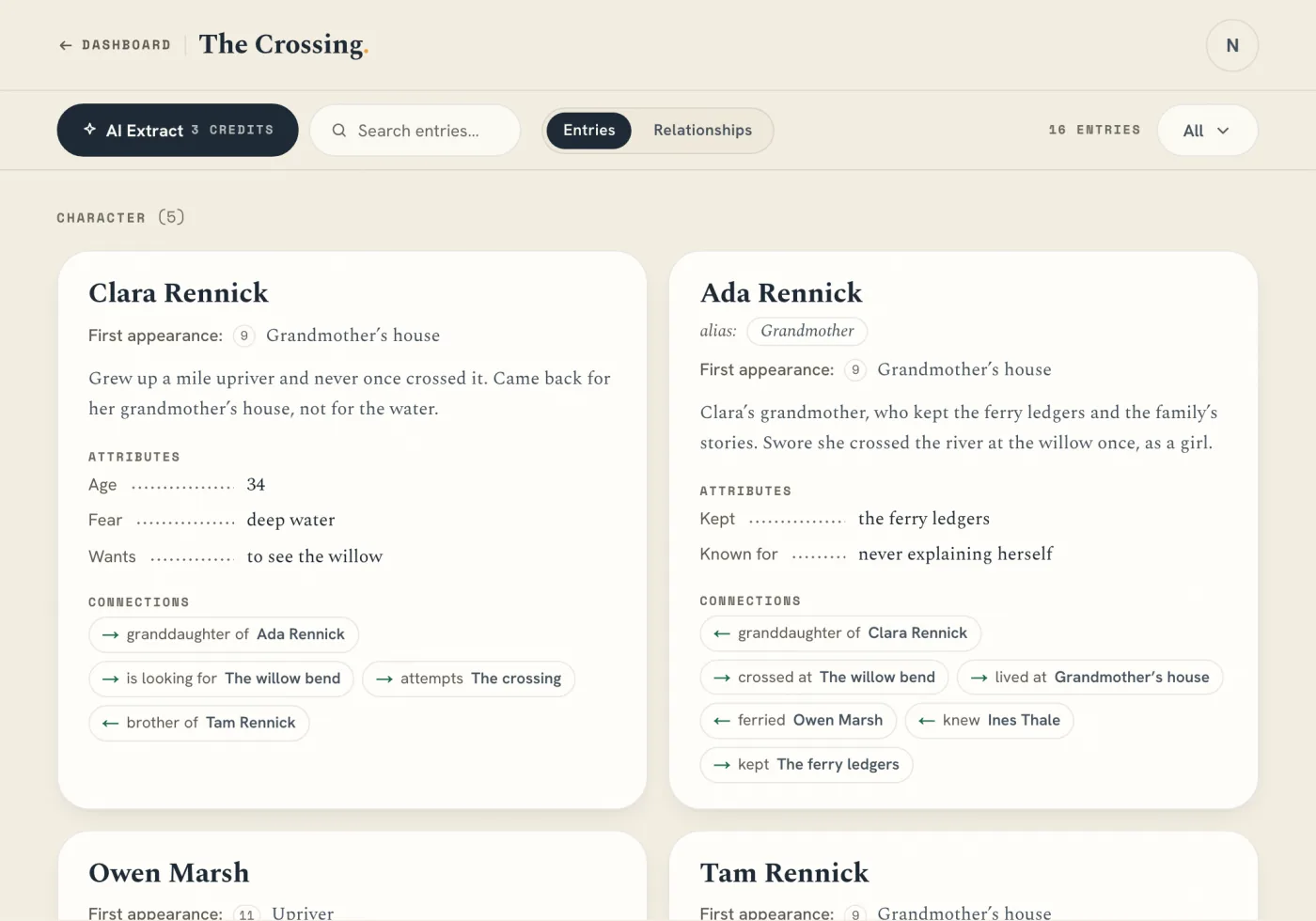
Names from your Story Bible are marked in your text: hover over one to see its entry, or open the drawer to look something up without leaving the chapter. Chapter Notes holds the beats and research for this chapter, and comments stay pinned to the words they are about.
Decide what AI contributes
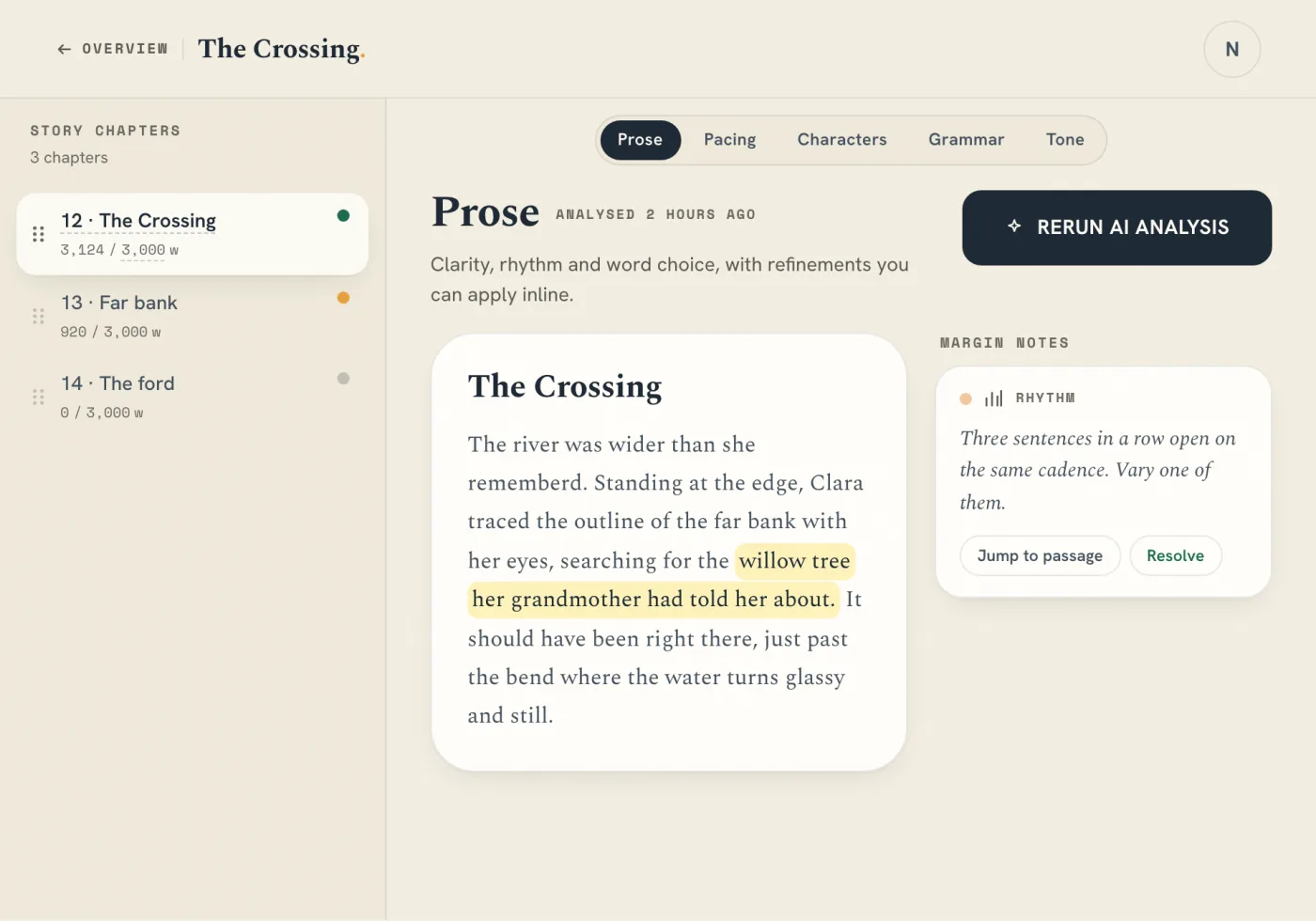
Out of the box, AI does nothing until you press Cmd+Enter for a paragraph. You can turn suggestions off altogether in Settings or, on Author, have ghost text appear after a pause. Tab accepts a line. Ask your book answers questions about your manuscript, with citations that open the passage.