Read the book two ways
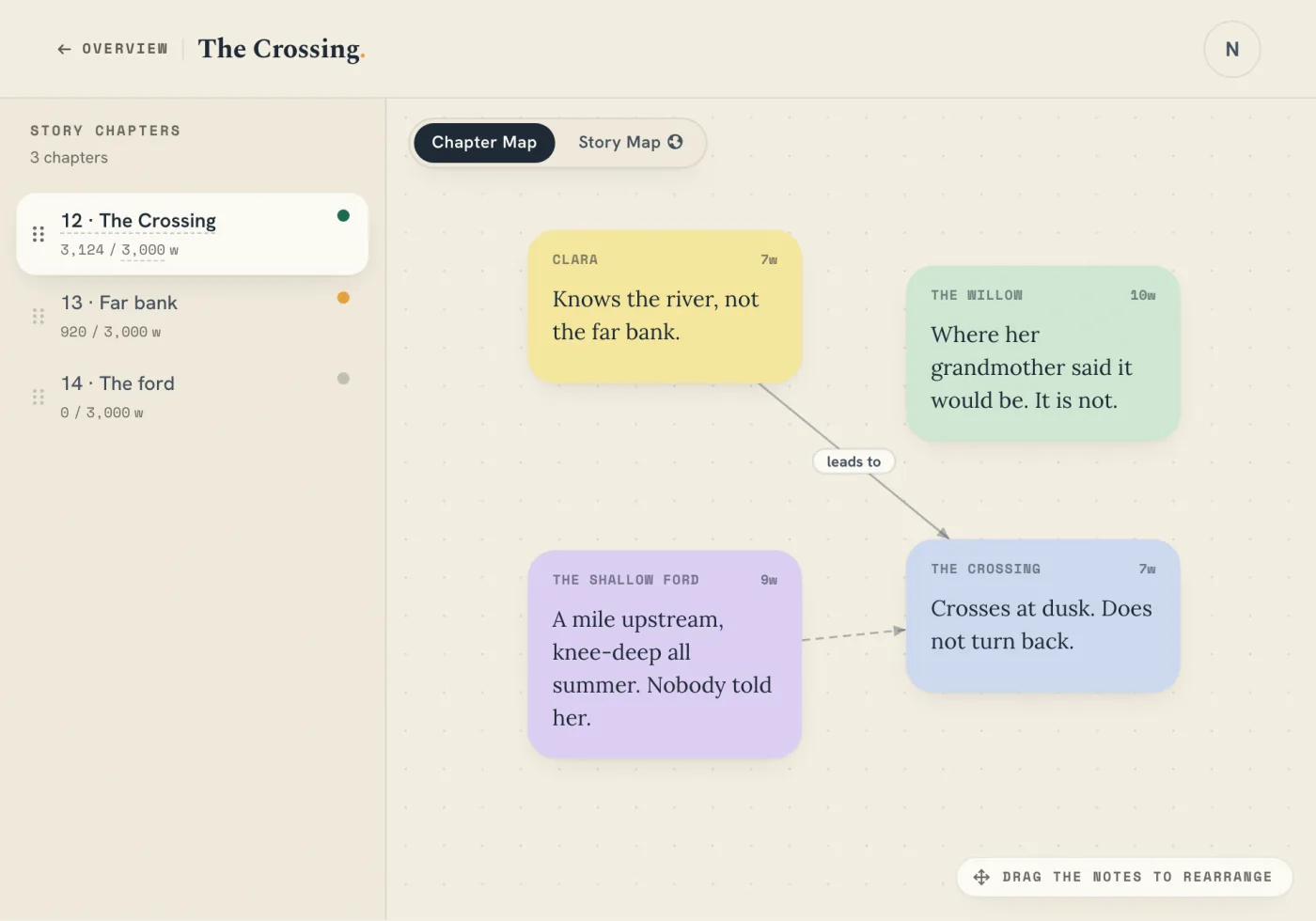
Read down a plotline to follow it through the book, or across a chapter to see which threads it carries. Where a thread’s line breaks, it has gone quiet for a chapter. Notes about the whole story get their own row at the top.
Arrange the notes you already have
The tray collects notes that are not on a plotline yet, grouped by board. Drag one into a thread or back again. It stays the same note on its original board, not a copy.
Connect plotlines to your Story Bible
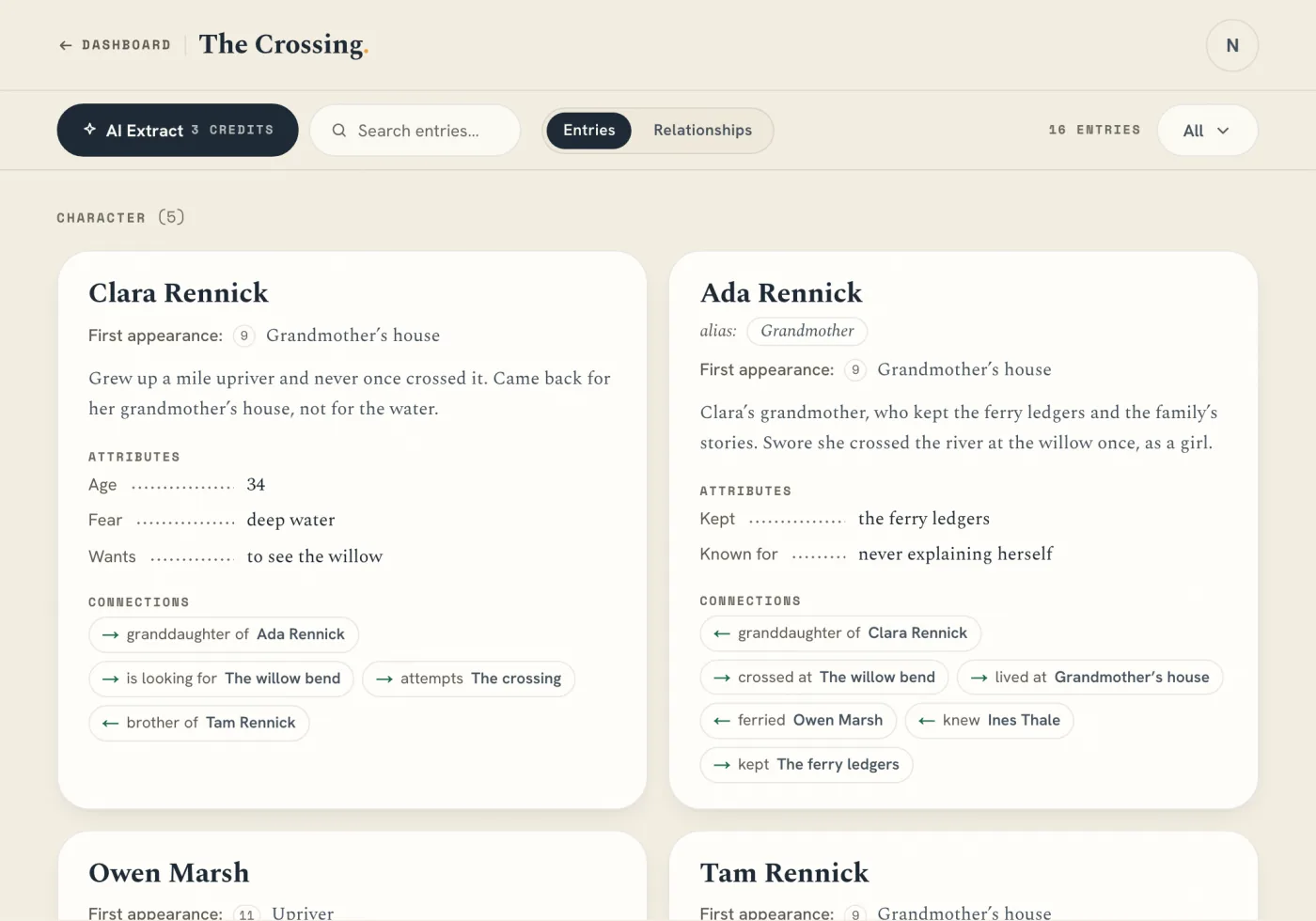
Name a plotline after a Story Bible entry and its notes appear on that entry’s card. AI sorting can place waiting notes on threads and suggest names. Review the result, and undo it if you disagree.